
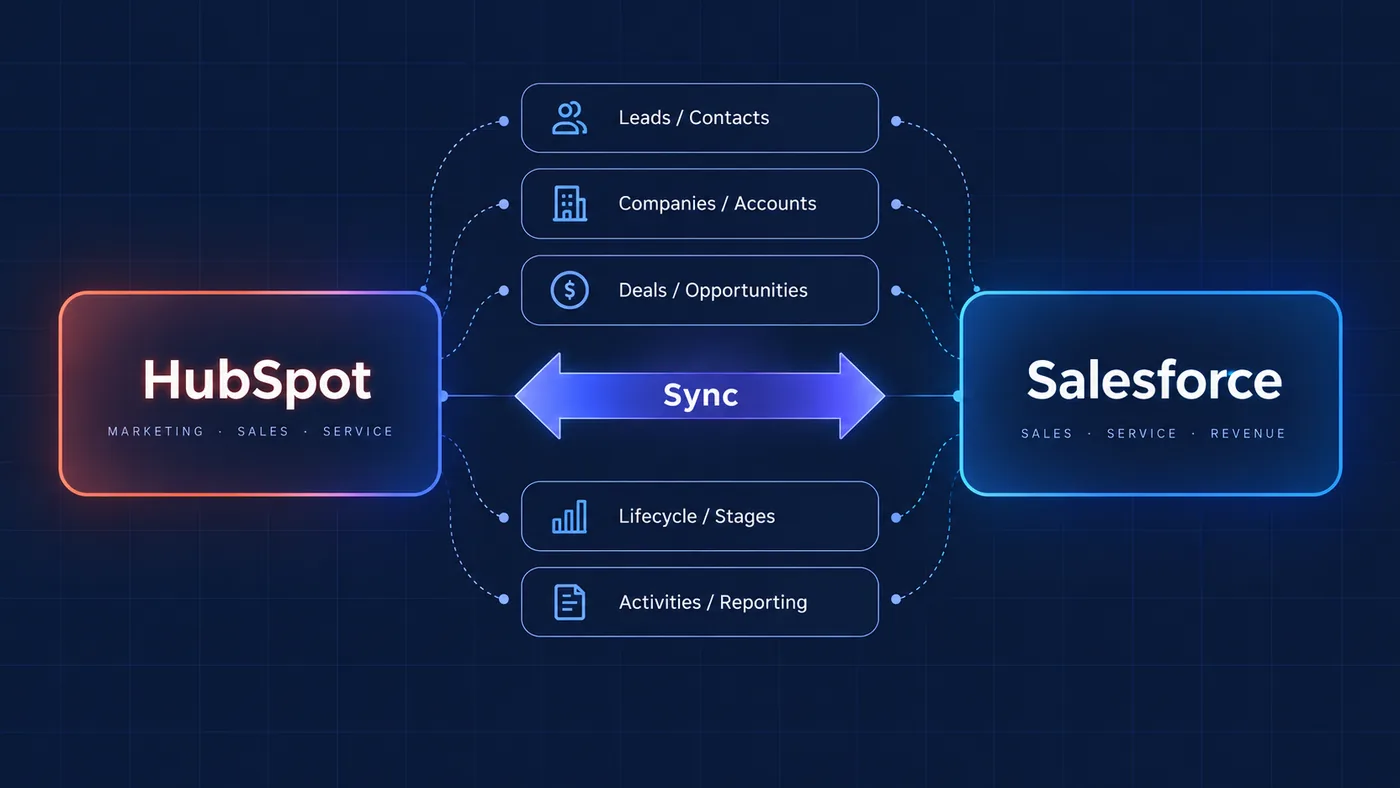
The short answer: design the data flow first
A reliable HubSpot integration starts with a clear data model and process map. Before choosing a connector, decide which system owns each record and field, when data should move, what should trigger the change and how errors will be handled.
Once those rules are explicit, the technical choice becomes clearer. The right solution might use a native connection, a workflow, an automation platform, an API or a custom integration layer.
For a practical example, see the WooCommerce integration case study. Weavilo's HubSpot agency services cover the architecture and implementation work behind these decisions, and the team background explains the technical context.
Define source of truth and ownership
Many integration problems begin when multiple systems can update the same value without an ownership rule. A CRM, ecommerce platform, product database and internal system may all contain customer information, but they do not need to own the same parts of it.
For each important entity, define the owner, allowed direction of change, update conditions and conflict behaviour. This applies to contacts, companies, deals, orders, subscriptions, lifecycle stages, customer status and other business records.
Ownership rules also make troubleshooting easier. When a value is wrong, the team can identify which system should be checked instead of searching through every connected workflow.
Choose the integration pattern for the process
Native integrations work well when the supported objects, fields and lifecycle match the business process. They are often the simplest option, but their limits should be understood before the project depends on them.
Workflow automation is useful for controlled events inside HubSpot. An orchestration layer can coordinate multiple systems, transform data and call APIs. Custom code or a dedicated integration service may be appropriate when the process has complex mapping, authentication, retries or domain-specific rules.
The goal is not to use the most sophisticated option. It is to use the smallest reliable architecture that supports the required process and can be maintained by the team.
Plan for duplicates, failures and validation
Successful test records are not enough to prove that an integration is ready. Test what happens when a record is missing, duplicated, incomplete, updated twice, rejected by an API or received in an unexpected format.
- validate required fields before sending data,
- make retries safe and avoid creating duplicate records,
- log failures with enough context to investigate them,
- define who receives operational alerts,
- reconcile important records after migration or launch.
Validation should cover both the technical response and the business result. A successful API call is not useful if it creates the wrong association or starts the wrong workflow.
Make the integration understandable after launch
Integrations become difficult to maintain when their logic exists only inside a connector or in the memory of the original developer.
Document the systems, entities, mappings, ownership rules, triggers, dependencies, error paths and test scenarios. Keep the documentation close to the operational process and update it when the architecture changes.
A well-designed HubSpot integration should reduce manual work while making the flow of customer data easier to explain, observe and improve.
HOW WE APPROACH INTEGRATIONS
Connect systems around clear rules.
MAP
Understand systems, records and business events.
OWN
Define source of truth and field ownership.
CONNECT
Build the required API or workflow path.
VALIDATE
Test normal, duplicate and failure scenarios.
An integration should make information more reliable and useful, not simply create another place where data is copied.